
‘My Favorite One Is Changing the Energy Display’: New Jersey Expert Shares Top 4 ‘Hidden’ Tesla Features You Should Enable
"Mine are all turned on."
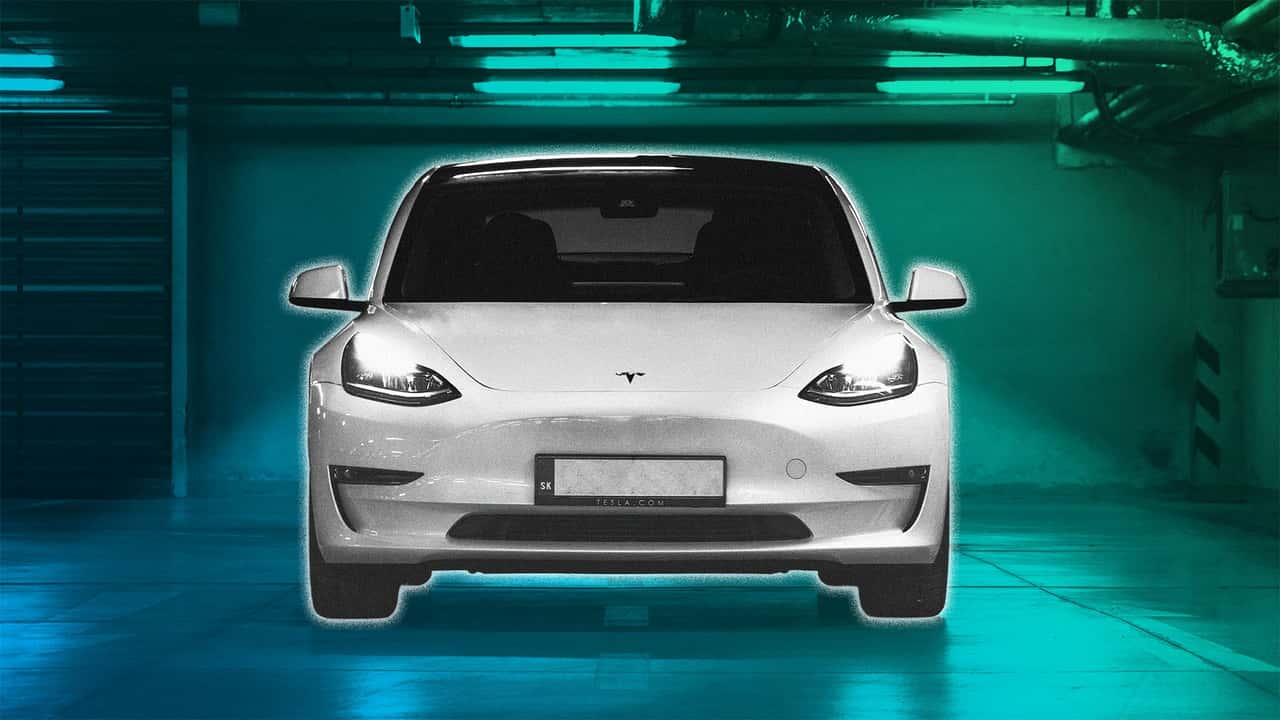



How well do you know your Tesla? George Saliba, general manager of J&S Auto Haus (@jsautohausgroup) reveals the top hidden features that every Tesla owner should turn on in a viral TikTok video.
The video has racked up more than 900,000 views, and recently resurfaced on social media.
Green Light Traffic Chime
Saliba begins with Tesla’s first hidden feature: The Green Traffic Light Chime. “When you’re on your phone at a red light, the car will give you a notification when it goes green,” he explained.
The feature is not turned on by default and will need to be enabled to use. To turn it on, go to the car’s touchscreen, select Controls > Autopilot, and toggle on Green Traffic Light Chime. The feature works when enabled and if Traffic-Aware Cruise Control isn’t actively in use.
Walk-Away Door Lock
The next must-use hidden Tesla feature is the Walk-Away Door Lock. Using your phone as a key, the car can automatically lock when you walk away and unlock as you approach.
“When you walk away from your Tesla, the car will automatically lock. You walk up to it, it automatically will unlock,” Saliba continued.
To turn this feature on or off, touch Controls > Locks > Walk-Away Door Lock.
Just be mindful of Tesla’s history of locking people in and out.
Autosteer
The third hidden Tesla feature is Autosteer. It may seem obvious but apparently many drivers don’t notice it. According to Tesla, Autosteer assists with steering by detecting lane markings and the presence of vehicles and objects, helping guide your car safely on the road.
FROM THE TRENDING NEWS DESK
Viral bits from across the social media landscape
Our team of experts tracks what's trending so you don't have to—from viral videos to online debates that have everyone talking.
“I can’t tell you how many Tesla owners I see that have Autosteer off. Please turn Autosteer on,” he urged. “Enable it, and you can now have basic autopilot function.”
To activate the feature, go to Controls > Autopilot > Autosteer.
That is, unless you have a Cybertruck.
Energy Display
Lastly, there’s the Energy Display feature.
“My favorite one is changing the energy display from percentage to distance,” he said.
Instead of the default display of driving distance, Tesla owners can choose to display the percentage of battery energy remaining.
To adjust this hidden feature, go to Controls > Display > Energy Display.
Though one proved controversial, as drivers are used to perceiving their Teslas like iPhones.
More Hidden Tesla Features
Distance or Percentage? Tesla Fans Are Split
Out of the four hidden Tesla features tips Saliba revealed, one didn’t exactly win the vast majority of the comment section over: The energy display.
“I think he is the first person I have heard say he likes distance better than percentage,” one commenter wrote.
“Do not use distance. Leave it on percentage. Way better experience,” another added.
“Couldn’t disagree more on using distance vs battery percentage,” another said.
One commenter went a step further, explaining the risk of using distance over percentage. “Distance is inaccurate,” they explained. “Percentage is way better after you get used to it.”
Still, amid the chorus of percentage purists, a lone voice piped up in Saliba’s defense.
“Wait I love the distance idea…that’s way more helpful,” they said defiantly.
Salis did not immediately respond to a request for comment. We also reached out to Tesla via email.

RECOMMENDED FOR YOU

Tesla Waves Goodbye To Model S And Model X As The Last Cars Roll Off The Line
Ford’s New Battery Container Is Here To Take On The Tesla Megapack
The Longest-Range EVs You Can Buy In 2026
Lexus Just Solved One Of Its Biggest EV Headaches
Tesla Semi Official Battery Specs Are Out, And They’re Impressive
How Much Range Does A BYD Seal Battery Lose After 31,000 Miles?
Tesla Wants To Vacuum The Hot Air Out Of Cars To Improve Range