
‘Learn A New Feature Everyday With This Car’: Woman Shows How To Find The Camera On A Tesla
“Can’t wait to get cute and use this to take some pics.” A Tesla owner showed her followers how to use the in-cabin camera to take selfies.
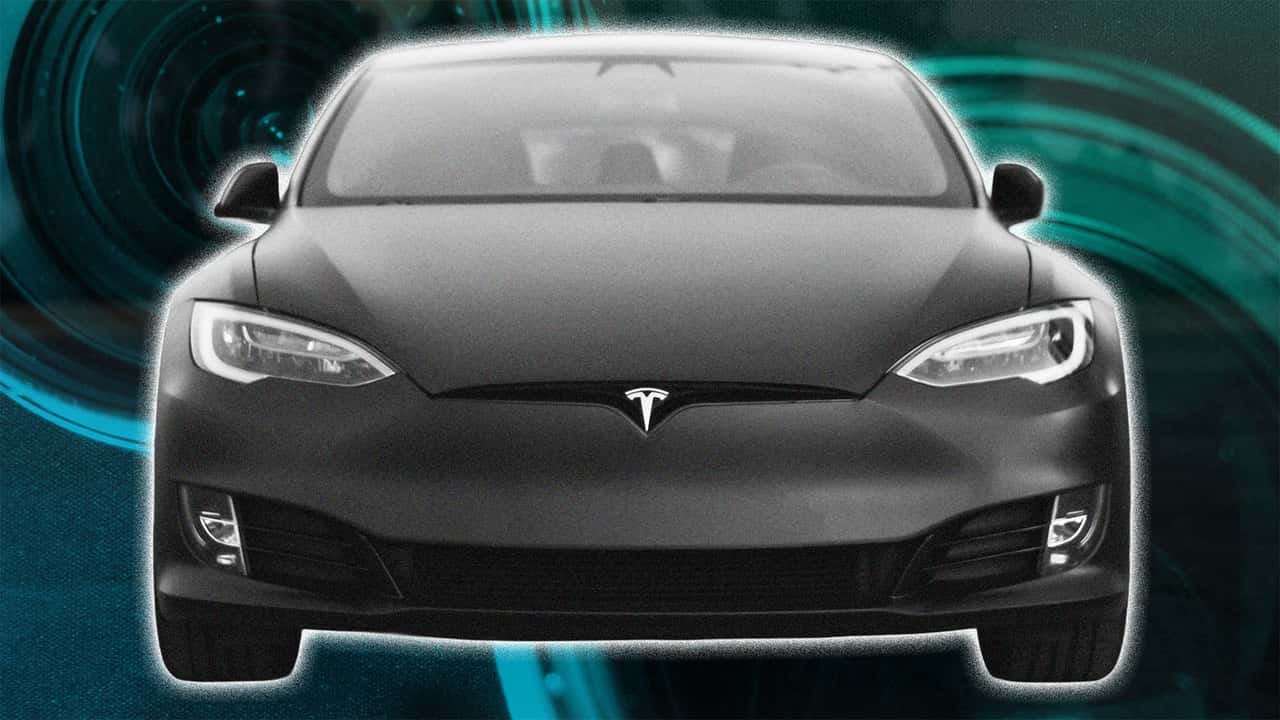

A Tesla owner is showing her TikTok following how to use the camera preview mode to take selfies.
TikTok user Christele (@christele.a) posted a video with her discovery on June 29. In the video, she is sitting inside her 2025 Tesla Model Y. “For all my Tesla people,” she wrote in the on-screen text.
Christele shows the display of her Tesla, which is open to the settings menu. She clicks on the service tab and then scrolls down to the camera preview button. When she taps the button, the display opens up to a camera view of the cabin.
In the caption, Christele wrote, “Can’t wait to get cute and use this to take some pics.”
Viewers React to the Tesla Selfie Camera Mode
In the comments, viewers offered their opinions on the inside camera view on the Tesla.
“I’ve had a Tesla for a few months and it still amazes me how much stuff this car can do,” wrote one person. “Thanks, I will try it out.”
A second Tesla owner agreed. “Learn a new feature every day with this car omg,” they wrote.
Others are less excited about their cabin camera. “I put a blocker on the inside camera in my Cybertruck,” one wrote. “So I’m chilling.”
A second person asked, “It don’t freak y’all out that there’s a whole camera inside?”
Not everyone was so concerned with privacy, however. A fellow selfie lover said, “Oooh, you just put me on.”
Now Trending
What Does the Cabin Camera Do?
According to the Model Y Owner’s Manual, the cabin camera is located above the rear view mirror. And the skeptics in the comments aren’t wrong that the camera is watching—it is indeed scanning to ensure the driver is still attentive to the road when Autopilot is engaged.
FROM THE TRENDING NEWS DESK
Viral bits from across the social media landscape
Our team of experts tracks what's trending so you don't have to—from viral videos to online debates that have everyone talking.
The manual does note that “by default, images and video from the camera do not leave the vehicle itself” unless data sharing is enabled. If you do enable data sharing, your Tesla will transmit cabin camera clips to the company so that it can continue to improve its safety features.
A few important things to note. First, Tesla says the cabin camera doesn’t use facial recognition or associate any of the data from the camera with your vehicle identification number (VIN). Second, you can change your settings by going to the controls menu, then selecting software, and finally clicking on cabin camera.
Two years ago, a Reddit user posted to r/TeslaModel3 after renting a Tesla and wondering if the owner could watch them through the cabin camera as they drove. In the comments, a Tesla driver explained, “No, they cannot see you while driving. Only when parked and Sentry Mode is on. You would be able to notice as the ‘Sentry is recording’ notification will be displayed on the car’s screen.”
From the Model S Owner’s Manual: “When Sentry Mode is enabled, use the mobile app to remotely view the area surrounding Model S as seen through the exterior cameras. To enable, touch Controls > Safety > Sentry Mode > View Live Camera via Mobile App on the touchscreen to see what Sentry Mode records in real-time. Ensure there are no occupants in the vehicle and all doors are locked.”
InsideEVs contacted Chistele via TikTok comment and email for comment.

RECOMMENDED FOR YOU

A Tesla Model Y Battery Test Looked Bad. Then The Degradation Almost Stopped
This Chinese SUV Sold 100,000 Units In Seven Months For A Good Reason
The Rivian R2 Is Just As Efficient As A Tesla Model Y, Despite Weighing More
VIDEO: The New Xiaomi SU7 Is Very Much Ready For Europe
This Low-Mileage 2025 Tesla Model Y Lost A Lot Of Range Fast
Is The $25K Slate Truck Just Too Basic? I Rode In One To Find Out.
Tesla Model Y Battery Tested After 16,000 Miles Of Mostly Fast Charging